
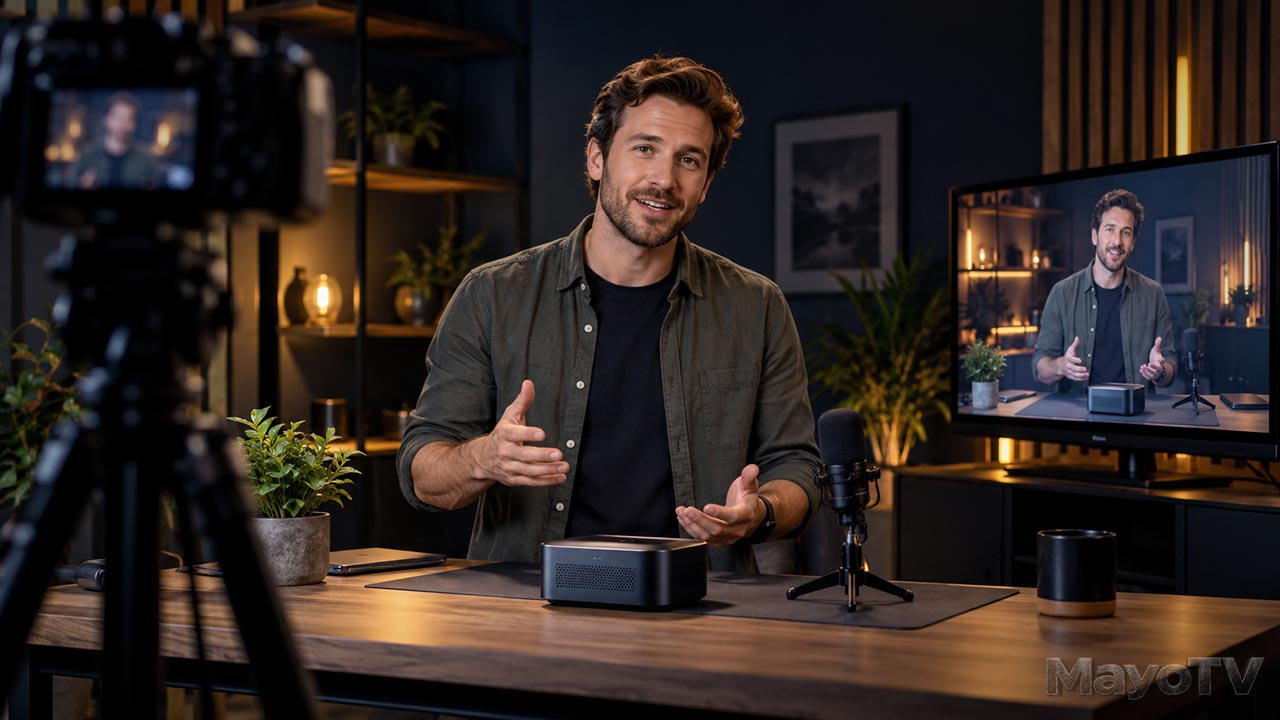
Independent broadcasting connects original programming with a place viewers can watch and return to.
Independent Broadcasting: Creating Your Own Place on Screen
Independent broadcasting begins with a simple ambition: create programming you believe in and give people a way to watch it. That programming might be a technology show, a documentary series, a local interview program, or a collection of original stories.
The work involves more than recording and uploading a video. You decide what the program stands for, who it serves, how episodes connect, and where viewers will find them. Over time, those decisions can turn separate productions into a recognizable body of work.
An independent producer may work alone, collaborate with a small team, or partner with other organizations. Independence can give you room to shape the subject, style, and direction of a project. Distribution platforms still have their own rules, and collaborators may have agreed responsibilities. Understanding those boundaries helps you make informed choices.
At MayoTV, independent broadcasting connects original projects with the larger idea of building a place on screen. This pillar explores programming, distribution, audience relationships, and the practical work of publishing consistently.
Explore This Guide
- What independent broadcasting means
- Developing recognizable programming
- Choosing where your work appears
- Live and recorded programs
- Building an audience relationship
- Organizing your publishing workflow
- Frequently asked questions
What Independent Broadcasting Means
On MayoTV, independent broadcasting describes producing and distributing original programming through channels you choose. It can include online video, live streams, a website featuring episodes, or arrangements with other outlets.
The word “broadcasting” has a broader everyday use than its technical meaning in traditional radio and television. Publishing a web series does not make you the operator of an over-the-air television station. Here, the focus is the practical work of creating programs and making them available to an audience.
Your role may include developing concepts, producing episodes, managing distribution, and maintaining the program’s identity. You can take responsibility for that work without owning every piece of equipment or performing every job yourself.
Think about what you want to control: the subject, editorial direction, production schedule, presentation, and relationship with viewers. Then choose a publishing approach that supports those priorities.
Explore how the broadcast revolution is opening opportunities for regular people to create original shows and reach audiences from modest home studios.
Developing Recognizable Programming
A recognizable program gives viewers a reason to return. They understand what kind of experience to expect, even when the subject changes from one episode to the next.
Start with a clear premise. For example: “A practical technology show that explains one useful production tool in each episode.” That premise helps you choose topics and decide what belongs in the series.
Build a format around it. You might open with a question, demonstrate the tool, explain its limitations, and finish with a practical use. Recurring segments can make planning easier and give the audience familiar points of reference.
Keep the format flexible enough to serve the material. An interview should allow a worthwhile answer to develop. A demonstration should leave time to see the process. Consistency helps viewers recognize the program; repetition should not make every episode feel interchangeable.
Before committing to a long season, produce a pilot. Use it to test the concept, workload, and viewing experience. Then plan a small group of episodes you can realistically finish.
Choosing Where Your Work Appears
Different distribution channels serve different purposes. A video platform may provide discovery and convenient viewing. Your website can organize the catalog, explain each project, and connect related material. A newsletter can help interested viewers hear about new releases.
Start with a primary destination and a clear reason for choosing it. Consider where the intended audience already watches, how the content will be presented, and what publishing tools you can maintain.
A homepage alone is rarely enough to explain a growing catalog. Give important projects their own pages with an accurate title, useful description, episode links, and relevant background. Organize series so a new viewer can find the beginning and continue watching.
If local television or another distribution outlet interests you, ask the operator about its current submission process, availability, technical requirements, costs, and terms. Evaluate the actual opportunity before designing a production around it.
Keep access to your original recordings, finished masters, artwork, and project information. That makes it easier to prepare another version or move the catalog when your distribution plans change.
Live and Recorded Programs
Recorded programming gives you time to review, edit, and finish the work before release. It can suit demonstrations, documentaries, scripted pieces, and episodes that need careful pacing.
Live programming creates a shared moment. Viewers may contribute questions or follow an event as it happens. It also requires you to manage problems during the program rather than fixing them later.
YouTube supports live streaming through options including webcams and encoders, subject to its current eligibility requirements. OBS Studio is one application used for recording and live streaming. Check the destination’s requirements before scheduling a public program.
For a live show, prepare a running order: a simple list of segments, their sequence, and approximate timing. Test pictures, sound, internet delivery, and the viewer-facing output. Arrange a local recording when preserving the session is important.
Choose live or recorded because it improves the program, then build the production around that choice. Explore Video Production for planning and recording, and Media Technology for the connected tools.
Building an Audience Relationship
A useful audience relationship begins with a clear promise and work that delivers on it. Explain what the program covers and who may enjoy it. Make titles and thumbnails accurate, and help people find the next relevant episode.
Set a schedule you can sustain. A recurring release pattern helps you plan and gives viewers an expectation, but it should leave room for the production quality your format needs.
Invite specific feedback. Ask which part was useful, what remained unclear, or which question deserves another episode. Those answers can reveal more than a general request for comments.
Review available audience data alongside that feedback. Look for patterns across several releases rather than treating one result as a verdict on the whole concept. Use what you learn to refine introductions, topics, pacing, and presentation.
Give interested viewers a clear way to follow future work, such as subscribing to the channel or joining an optional newsletter.
Organizing Your Publishing Workflow
A publishing workflow carries the program from finished edit to accessible release. Keep a checklist for the master file, captions, thumbnail, description, project page, and release date.
Maintain an episode record with titles, links, production notes, credits, and relevant permissions. Check that the published video plays correctly and that navigation leads to the intended pages.
Decide who handles updates and corrections. If a link changes or an explanation needs clarification, you should be able to find the affected episode and revise its supporting information.
Distribution also has a cost in time and resources. For planning a sustainable business around your programming, explore Creator Business.
Frequently Asked Questions
Do I need a television network to create a show?
No. You can produce an original series and publish it online. Start with a suitable destination and a manageable format, then develop the catalog as you learn.
Can one person run an independent program?
Yes, when the format and workload are realistic. A small setup and repeatable processes can help. Bring in collaborators when the project needs skills or capacity beyond what you can provide.
Should every episode go live?
No. Choose live delivery when interaction or immediacy contributes to the experience. Choose recorded production when review, editing, and controlled presentation better serve the program.
Give Your Program a Starting Point
Define one show, one audience, and one place to watch. Produce a pilot, create a useful project page, and make the path to the next episode clear. Your place on screen develops through finished work that people can find, understand, and choose to return to.
Sources
Independent Broadcasting Guides and Related Articles
Build a Project Catalog That Helps Viewers Find Your Work
Build a Project Catalog That Helps Viewers Find Your Work You have finished several videos, but a new visitor sees only a list of recent posts. An episode from the middle of a series appears first, an older project is buried, and nothing explains which video to watch next. A [...]

Build a Release Schedule You Can Actually Maintain
Build a Release Schedule You Can Actually Maintain Your first episode is finished, and you are excited to announce a weekly show. Then the second episode takes longer to edit, another project needs attention, and the release date arrives before the video is ready. A useful release schedule starts with [...]

Give Your Show a Structure Viewers Can Follow
Give Your Show a Structure Viewers Can Follow A show can have an interesting subject and still leave viewers wondering where it is going. The presenter introduces one question, moves into background information, starts a demonstration, and finishes without returning to the original point. Episode structure gives the material a [...]

Before You Launch a Series, Make a Pilot
Before You Launch a Series, Make a Pilot Episode You have a show idea, a name, and enough subjects to fill a season. It is tempting to announce a release schedule and start preparing several episodes at once. First, make one complete episode. A pilot is an initial episode used [...]

Broadcast Revolution for Regular People
For decades, getting your own television show usually meant convincing someone with money, equipment, and access to an audience to give you a chance. Today, you can start creating a show from a spare bedroom, garage, or kitchen table. A phone, clear sound, decent lighting, and something worth sharing can [...]